
Robot Kits & Learning Tools
Choose by experience, coding environment and mainboard. Age is a guide; check each kit’s equipment and included learning access.

MRT Robotics Starter 001 Kit
Connect parts, build your first models and discover structures, motors and robot basics.
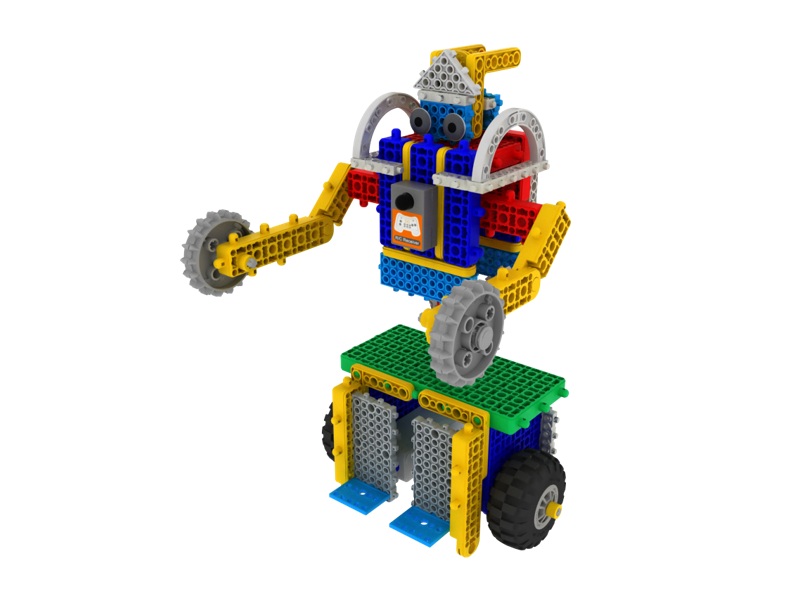
MRT Robotics Foundations 101 Kit
Build a range of models and explore balance, gears, forces and moving mechanisms.
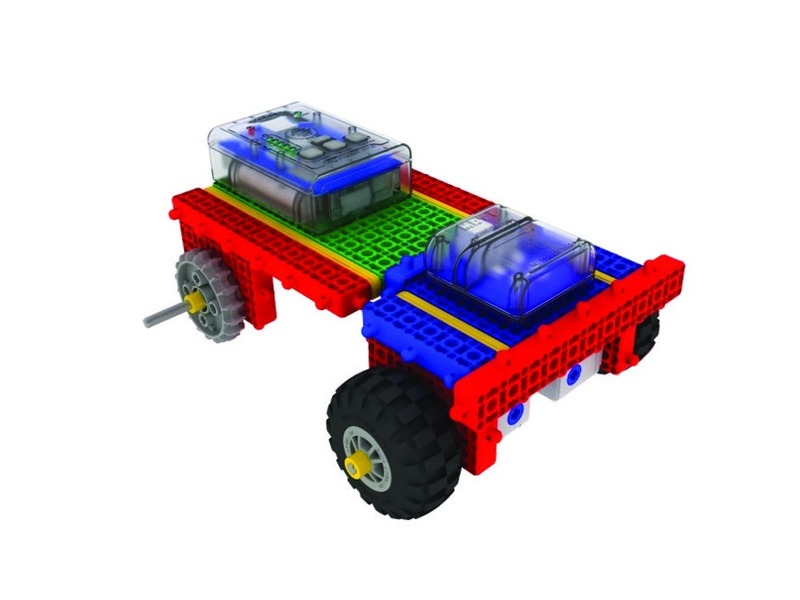
MRT Robotics Mechanisms 201 Kit
Build models, change card commands and compare movement and sensor responses.
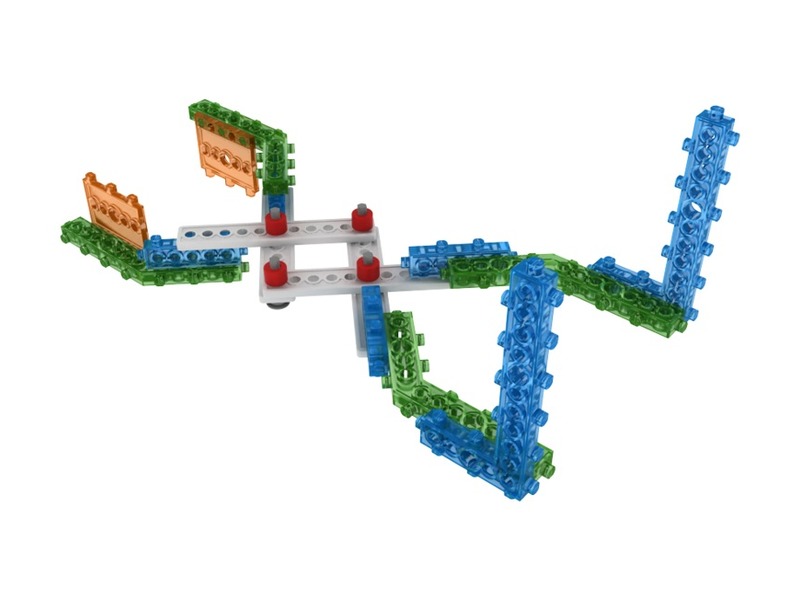
MRT Robotics Systems 301 Kit
Combine mechanisms, board modes and sensors to explore how robots respond to their surroundings.

MRT Robotics Engineering 401 Kit
Use graphical controls or the C++ editor to make robot coding approachable while exploring motors, sensors and mechanisms.
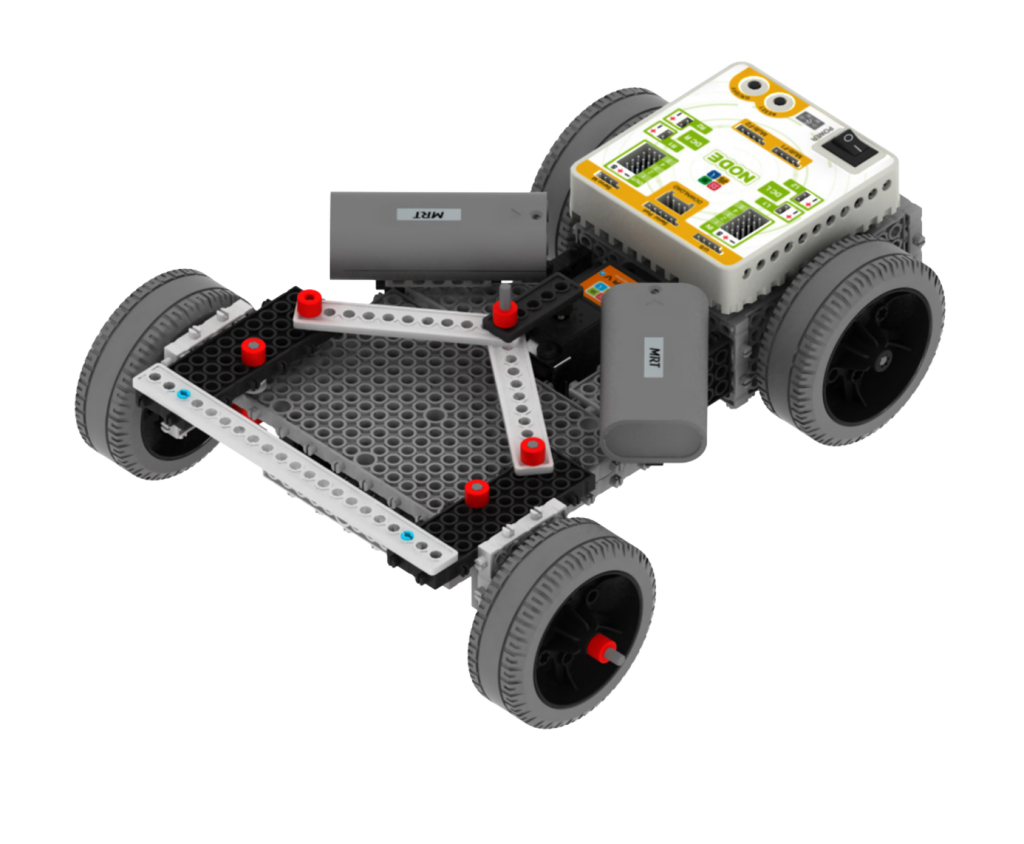
MRT AI Robot Set 451
Complete AI robotics building set. Build F1 Racing Cars, AI Coding Mission Robots, Golf Robots, Soccer Robots, and Creative ML projects.
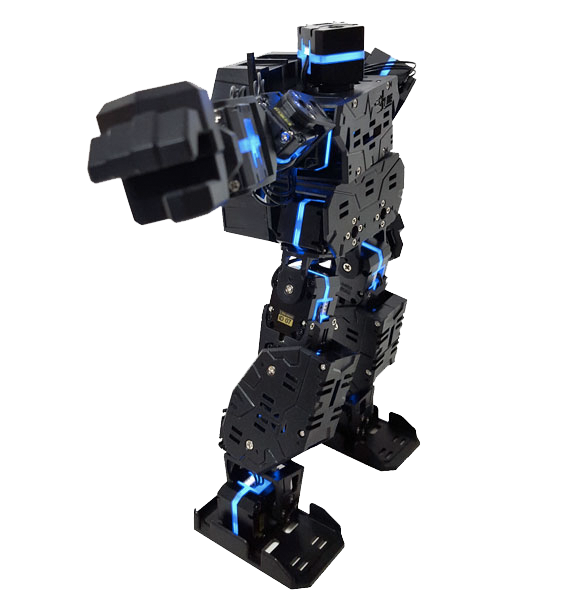
LINE Core m Humanoid Robot
18 LSM-micro motors with RGB LEDs. Soccer, martial arts, dance & complex missions.
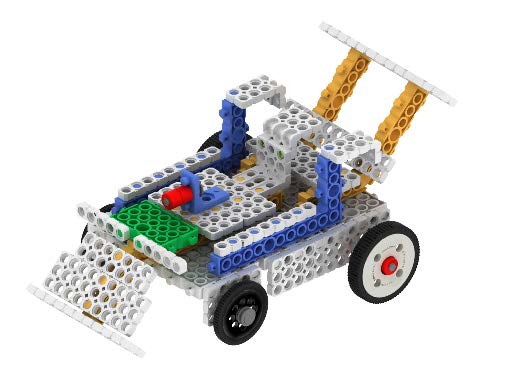
MRT Friends Coding Robot Kit 302
Explore three levels of model building and robot activities.
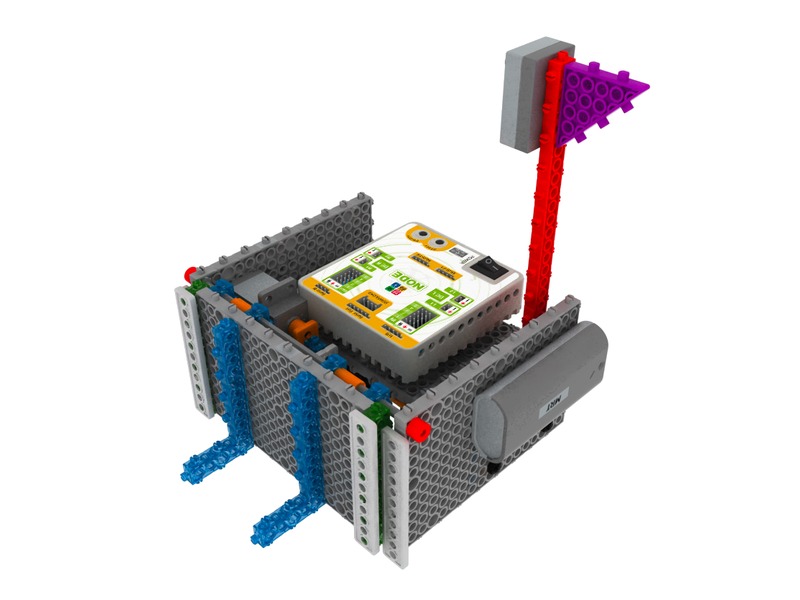
MRT Robotics 402 Robot Set
Code with Scratch using the same robot models as 401 and a different mainboard. Build foundations for 451, AI Stage 1.
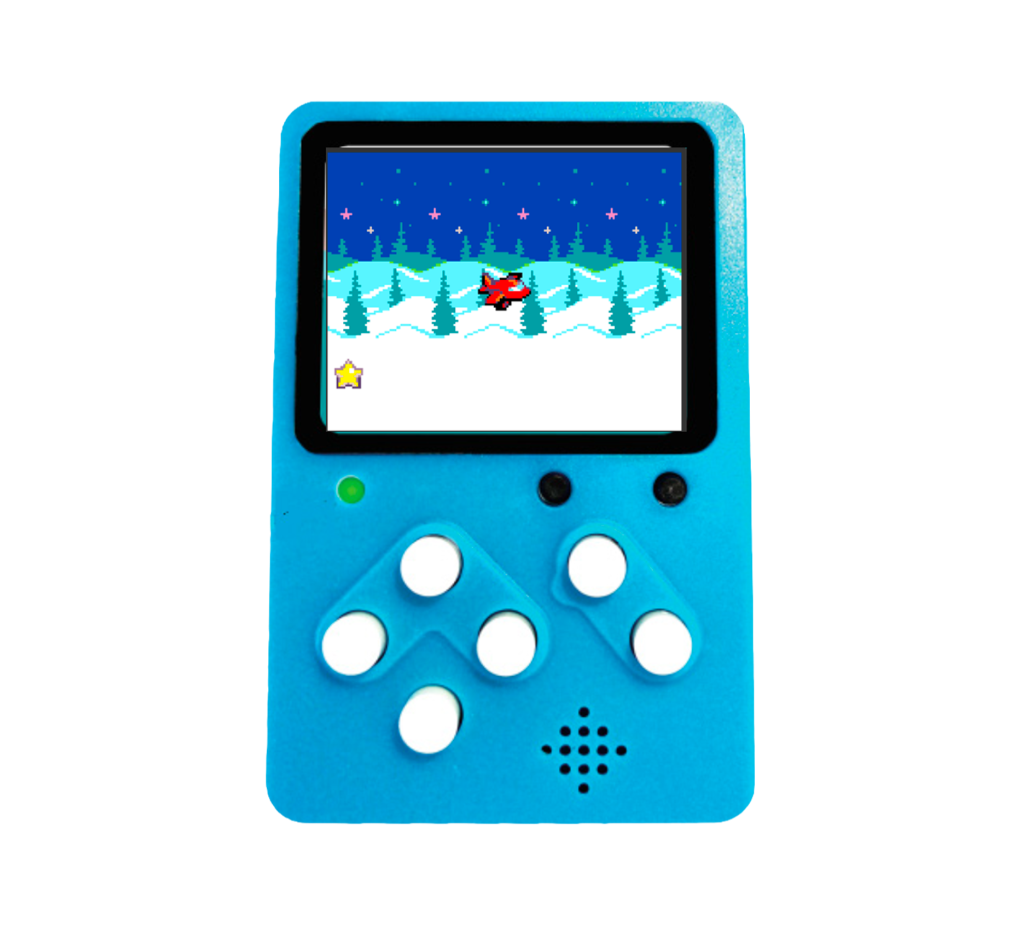
MRT GameMaker
Explore game rules and interactions through projects such as Pong, Space Shooter and maze games.
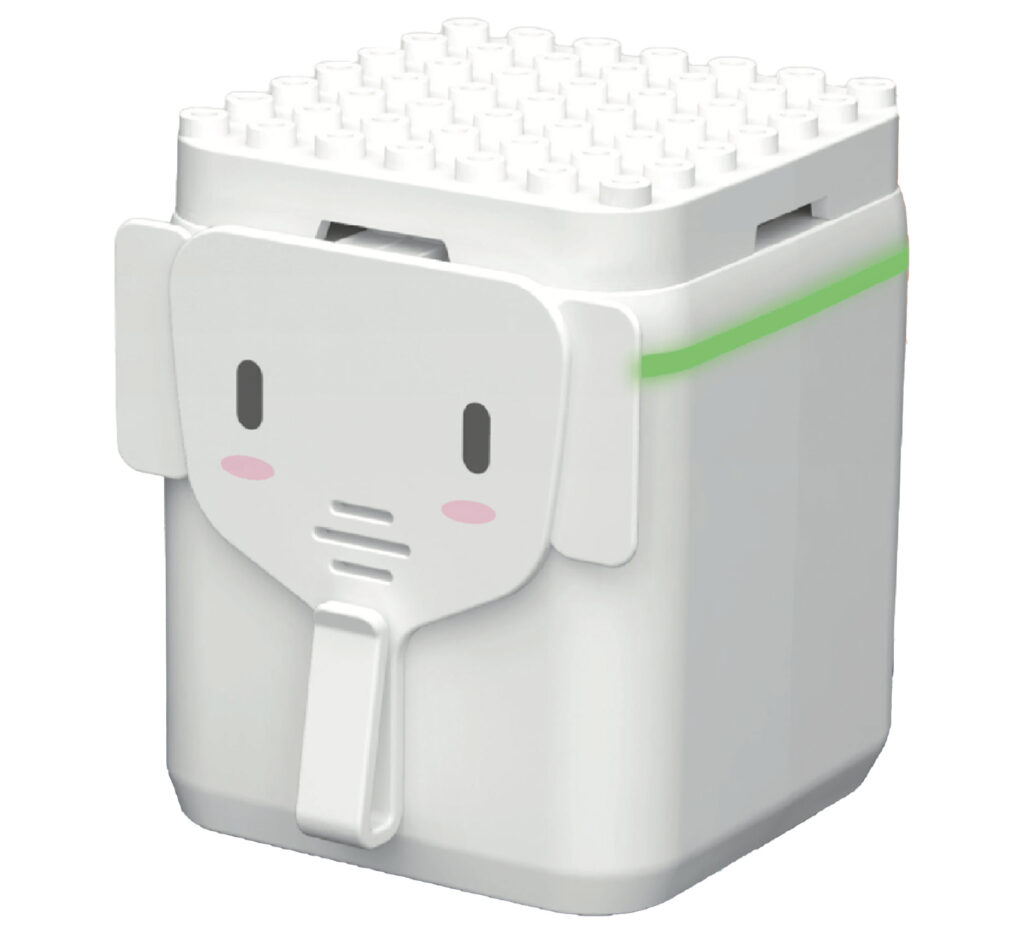
GeniBot
Explore direction, movement, number ideas and themed robot missions.
No kits match these filters. Try another family or clear the filters.
Quantity discounts for schools and families
Previous fixed school packs are no longer offered. Choose your product and quantity to review the current discount, shipping and GST total.
10–19 sets · 5% off
Quantity discount on the current robot-kit price. Shipping is AUD 5 per kit, excluding GST. GST 10% is added separately.
20–29 sets · 10% off
Quantity discount on the current robot-kit price. Shipping is AUD 5 per kit, excluding GST. GST 10% is added separately.
30+ sets · 15% off
Quantity discount on the current robot-kit price. Shipping is AUD 5 per kit, excluding GST. GST 10% is added separately.
401 or 402? Check the mainboard.
401 · C++ GUI / editor
For learners using the 401 mainboard and Windows MRT C++ software. Check the course installation guide before purchase.
View 401 and its course →402 · Scratch coding
Explore the same model family with a different mainboard and Scratch coding environment. Follow the 402 connection guide for supported devices.
View 402 and its course →Build. Code. Test. Explain.
Robotics and coding lead the way, with maths, typing and writing for supporting practice. Choose activities for your experience and equipment.
Robotics & AI
Follow a matching model guide, assemble the parts and test how the robot moves. Check your board and equipment before coding.
Explore robot courses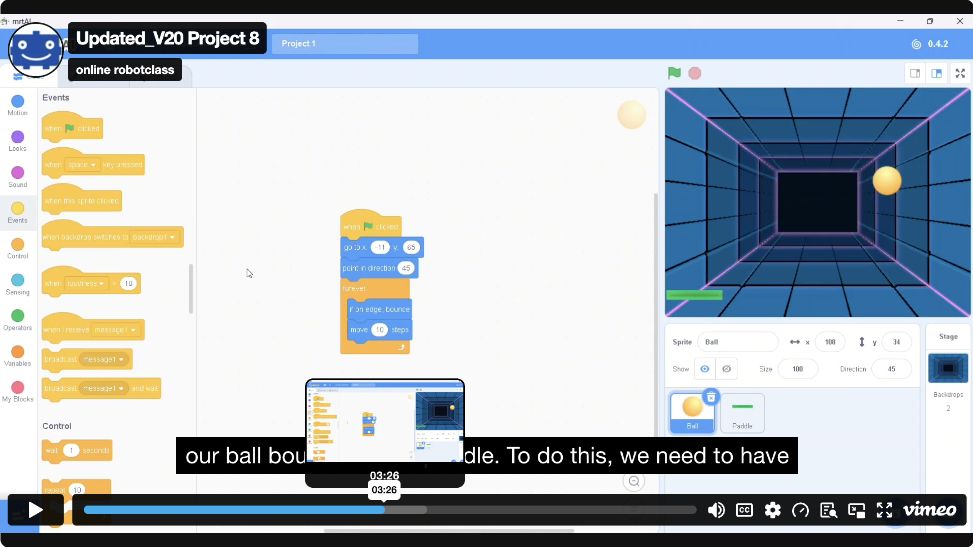
Coding & Projects
Create stories and games with blocks, solve logic missions and explore Python. Physical robot control needs compatible hardware.
Explore coding courses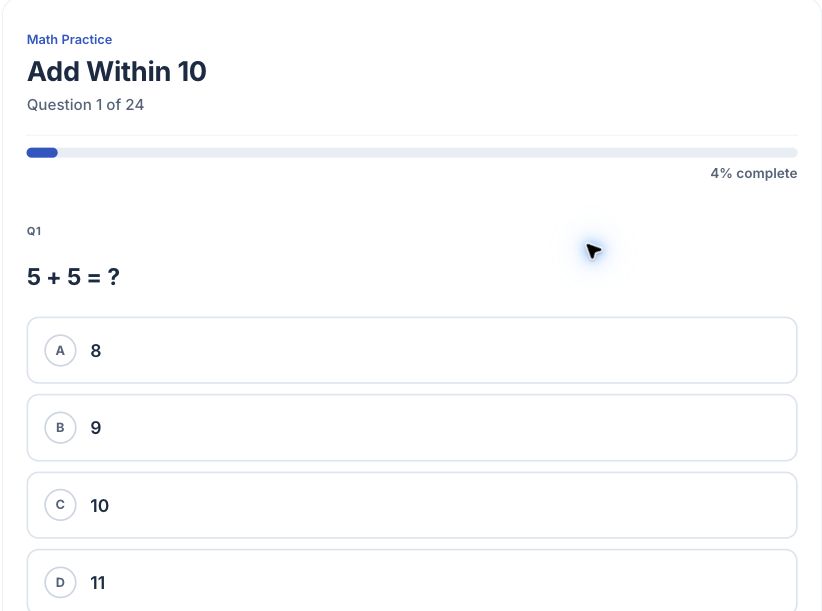
Maths · K–Year 10
Practise year-level concepts, use worked explanations and review questions. Choose supporting practice alongside robot and coding projects.
Explore maths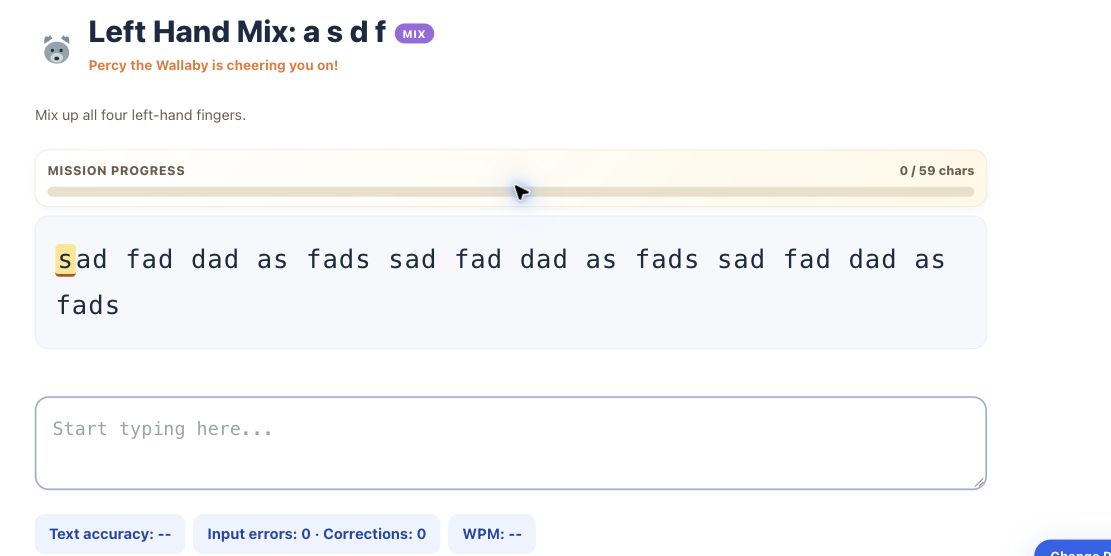
Typing & Writing
Build keyboard accuracy, practise coding symbols and develop writing through model reading, typing, revision and your own response.
Explore typing and writingFrom a kit to an explained project
- Check your kit and mainboard.
- Follow the matching build guide.
- Code, test and improve your project.
- Practise supporting maths or keyboard skills when useful.
- Explain what you made and review learning progress in eLearning.
These are complementary activities, not a compulsory sequence. Progress tools depend on your course and family, school or centre account.
Related activities are not automatically included in every kit. Check the product and your account for access and duration.
For families
Choose courses that match your child’s experience and equipment.
Family learning options →For schools and centres
Explore teacher tools, student progress and program options for your group.
School programs → · Centre programs →